
Home / Guides / How to compress a PDF for email
How to Compress a PDF for Email
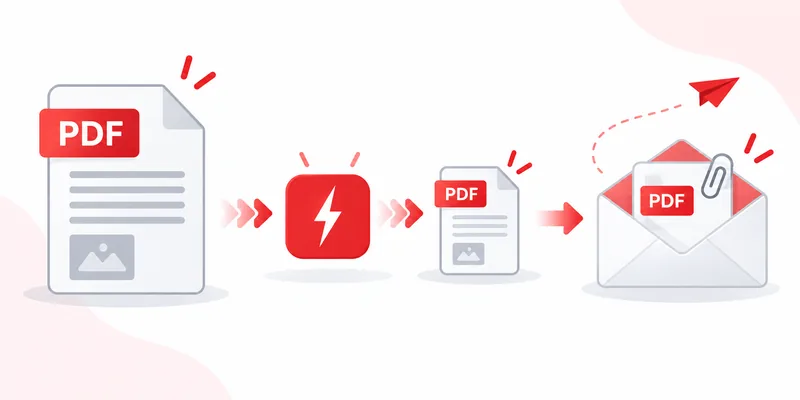
Email was never built for heavy files: most providers cap attachment sizes, and a scan-heavy PDF sails right past the limit. The fix takes less than a minute — compress your PDF with RayoPDF, then attach the smaller file. Everything happens in your browser, so private documents never travel anywhere before you send them.
Why email rejects large PDFs
Attachment limits exist on both sides: your provider may refuse to send the message, and the recipient's provider may refuse to receive it. Splitting a PDF across several emails is fragile — pages get lost, order gets confused, and threads become unreadable. One compressed file beats three partial ones every time.
How to compress a PDF for email in 3 steps
1. Drop the file into RayoPDF. Drag and drop, click to browse, or paste with Ctrl+V (Cmd+V on Mac). Files up to 300 MB are accepted.
2. Pick High first. High is the default level and the sweet spot for attachments: strong reduction with text and layout intact. Only if the result still bounces should you re-run the original at Maximum.
3. Check, then attach. Open the compressed file, skim the pages that matter most (signatures, fine print, charts), and confirm the filename ends in -compressed.pdf so you never overwrite your original.
Keeping attachments readable
Email compresses nothing for you — what you attach is what arrives. Protect readability with two habits: start at High rather than Maximum, and always proof the pages your recipient will actually read. If small text looks soft, go back one level instead of resending a blurry file. RayoPDF is designed to preserve text and vector content while reducing the size of image data.
Common mistakes
- Compressing the compressed file. Re-running an already squeezed PDF rarely helps and can soften images. Always start from the original.
- Sending without opening the result. A ten-second skim catches problems your recipient would otherwise find.
- Zipping instead of compressing. A ZIP of an already-compressed PDF barely shrinks it — and forces the recipient to unpack it. A natively smaller PDF opens everywhere.
Frequently asked questions
Will compressing change how my PDF looks?
At High, text and layout look the same on typical documents; RayoPDF is designed to reduce image data while keeping text and layout intact, but open the result before sending to be sure.
What if it is still too large after Maximum?
The file may be text-only or already optimized, leaving little to squeeze. Try removing unnecessary pages or large embedded images in your PDF reader, then compress again.
Is it safe to compress private documents for email?
RayoPDF processes your PDF locally in your browser, so the file is not uploaded to a RayoPDF server.
Related reading
Back to all PDF guides, keep going with How to Compress a Scanned PDF and Why Is My PDF So Large?, or jump straight to the free PDF compressor.